Mark it up in seconds
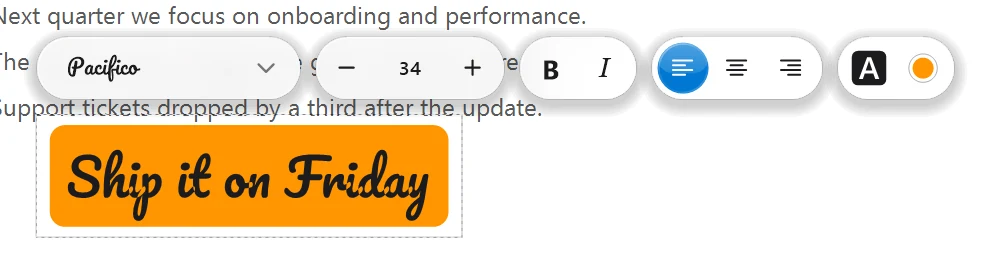
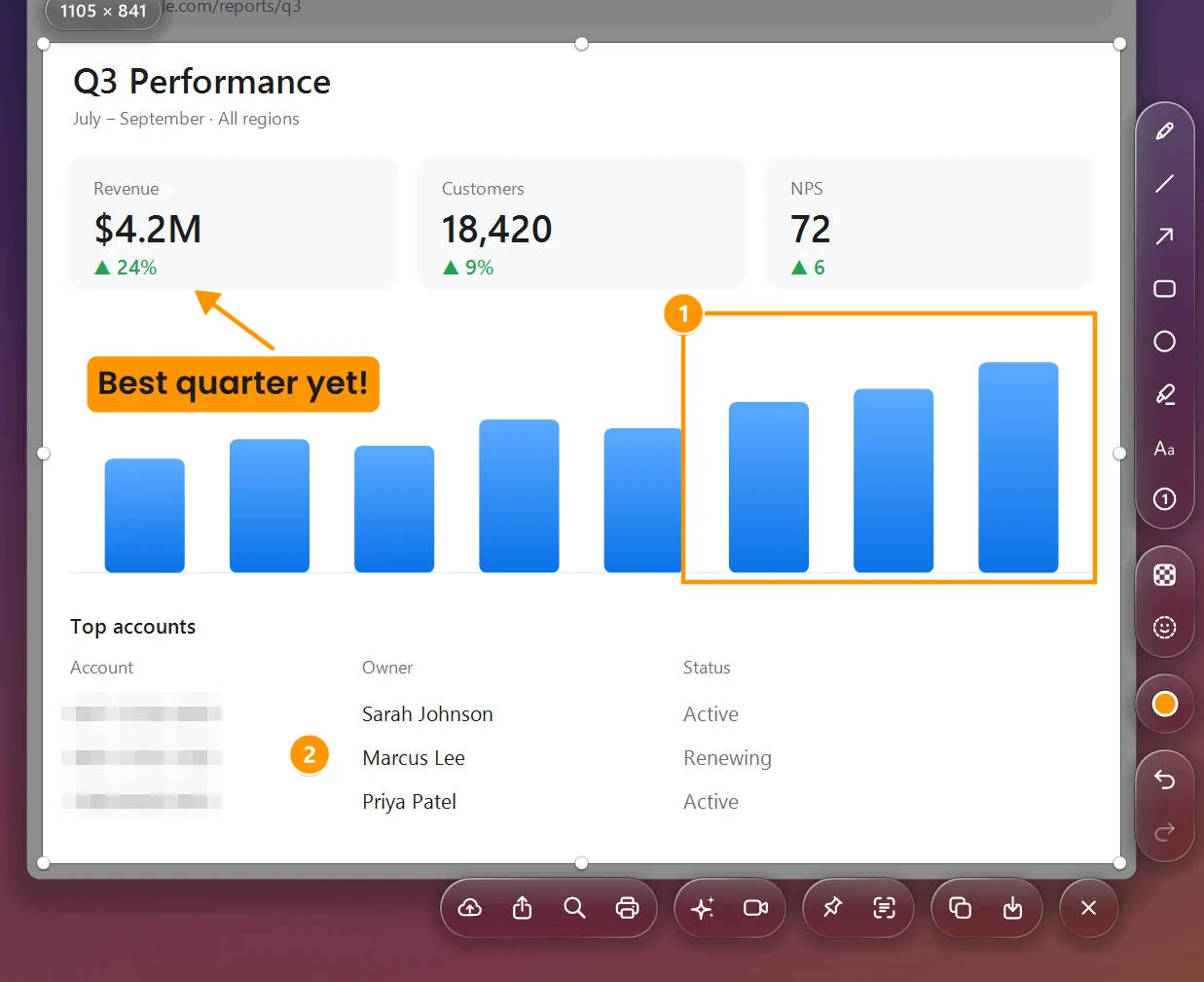
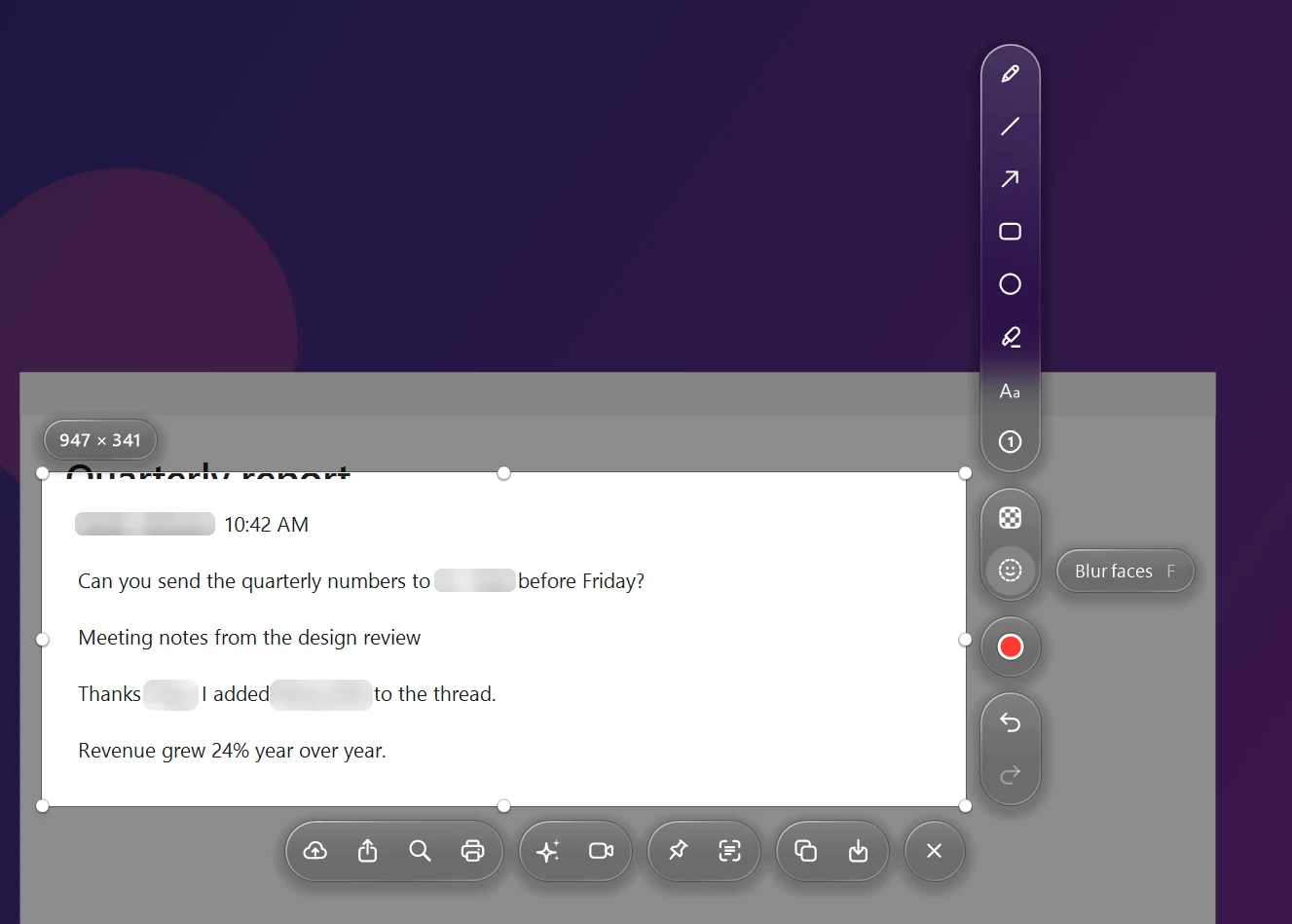
Pen, line, arrow, box, circle, highlighter, numbered steps and text with ten built-in fonts — or your own. Click any drawing to move it, recolor it or resize it.
 LiteShot
Download
LiteShot
Download
The two-click screenshot tool for Windows, rebuilt from scratch. Mark it up, blur what's private, and share a link that deletes itself.
PrtScn Drag over anything. Copy, save or share.
See it work
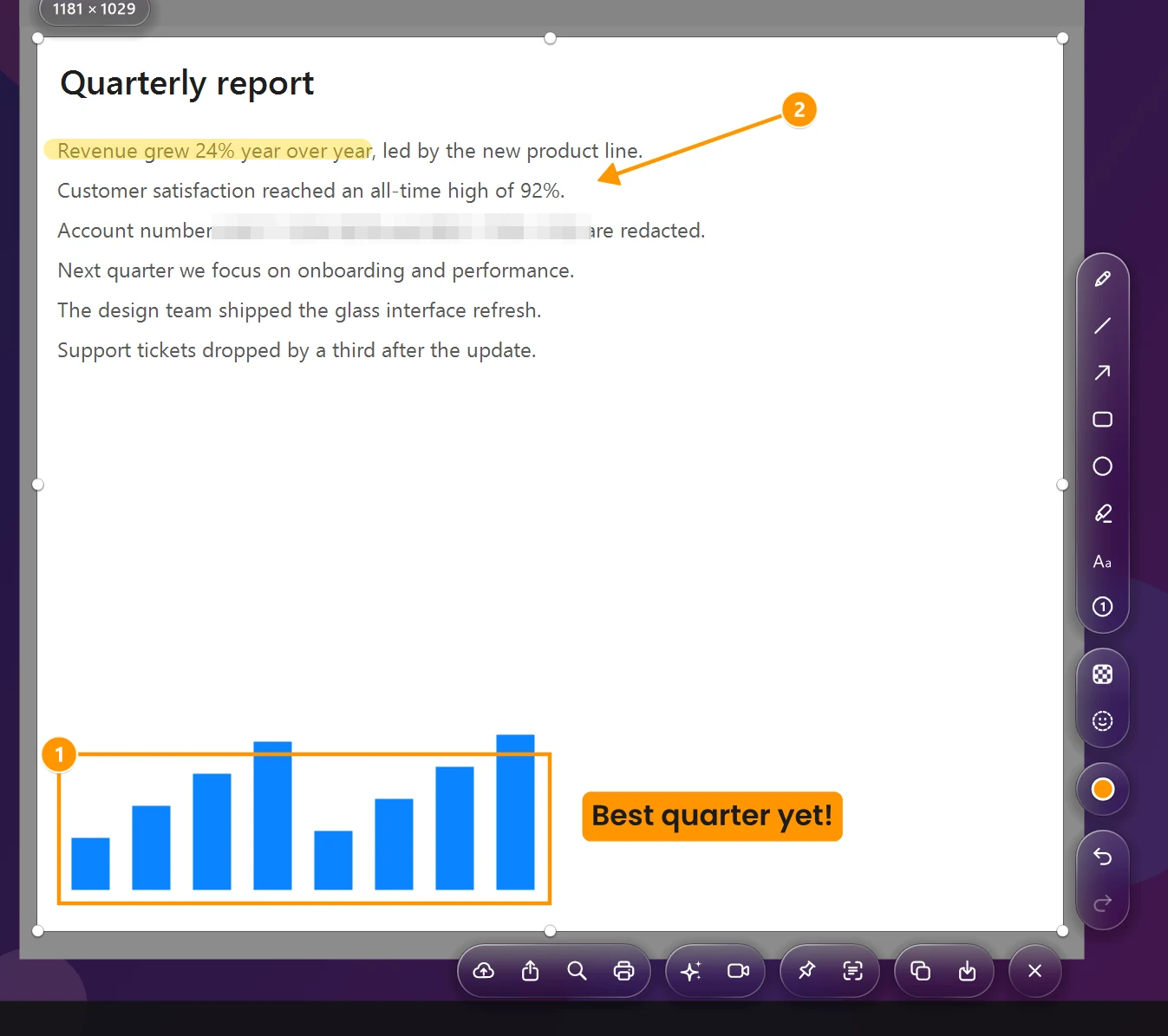
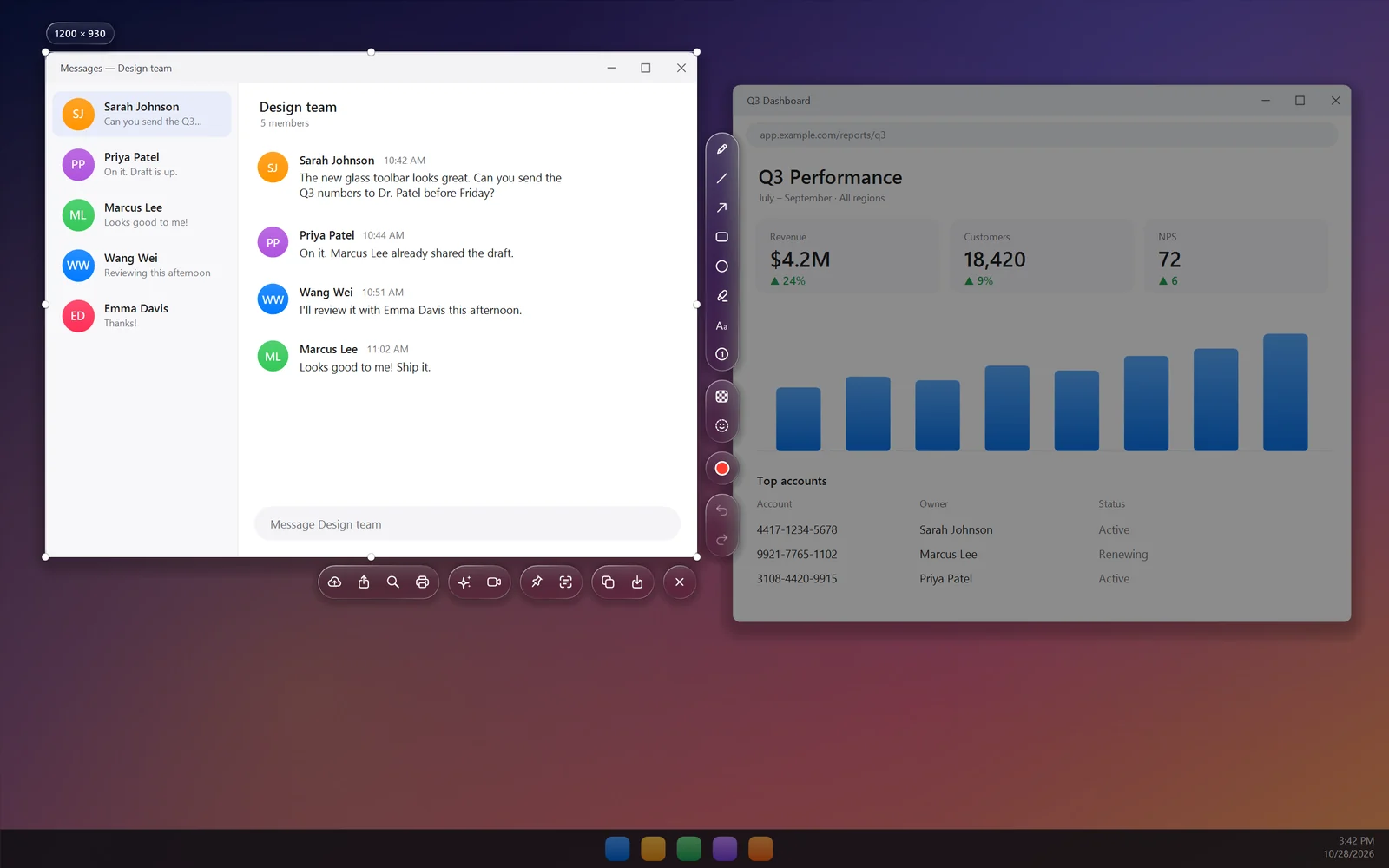
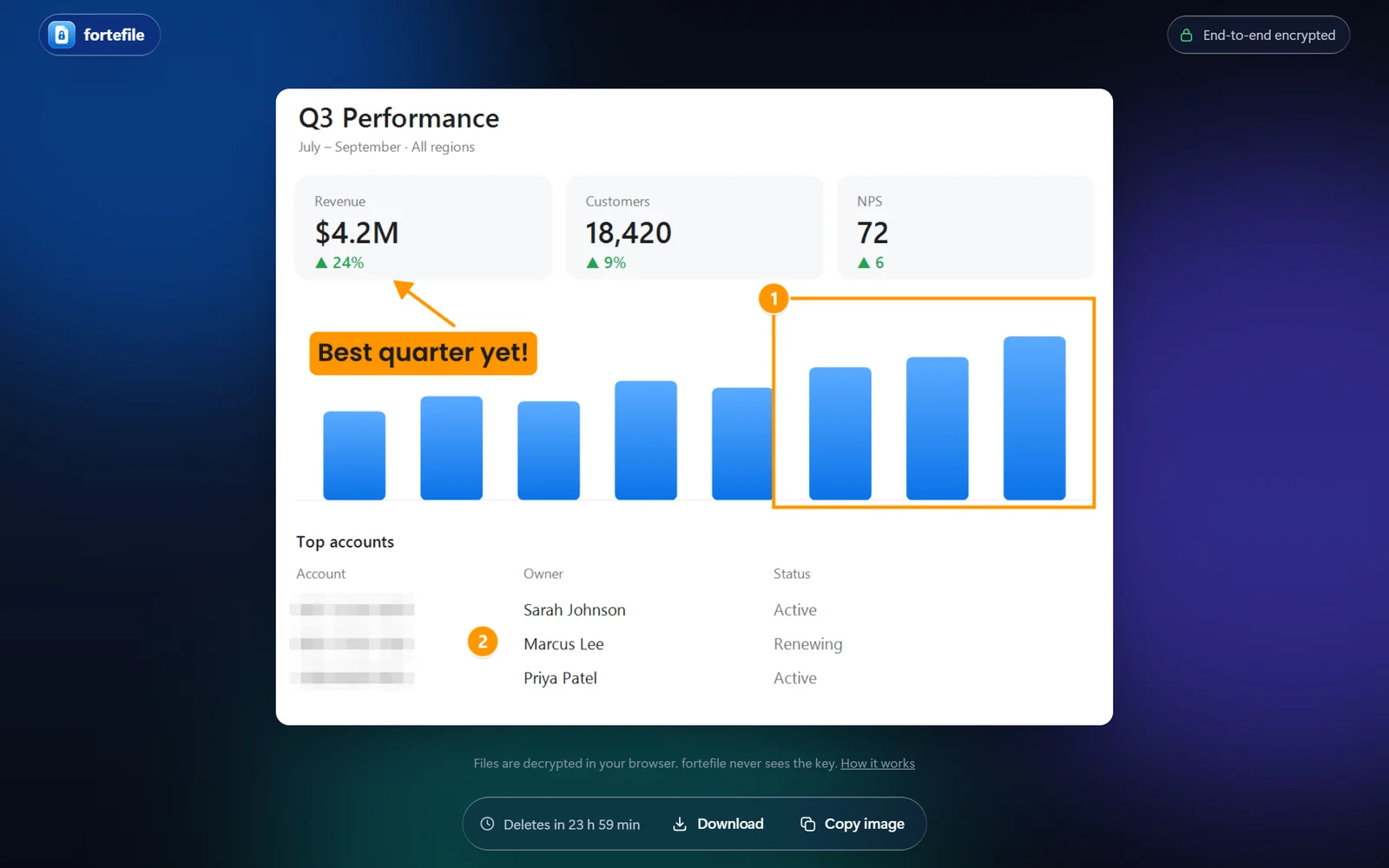
Every picture here is the real LiteShot, rendered by the app's own code on a staged desktop, and the last one is the real fortefile.com viewer opening a real encrypted link.
Privacy
Turn on Blur names automatically and LiteShot reads the screen the moment you capture, finds anything that looks like a person's name and blurs it. Drag the slider to compare.
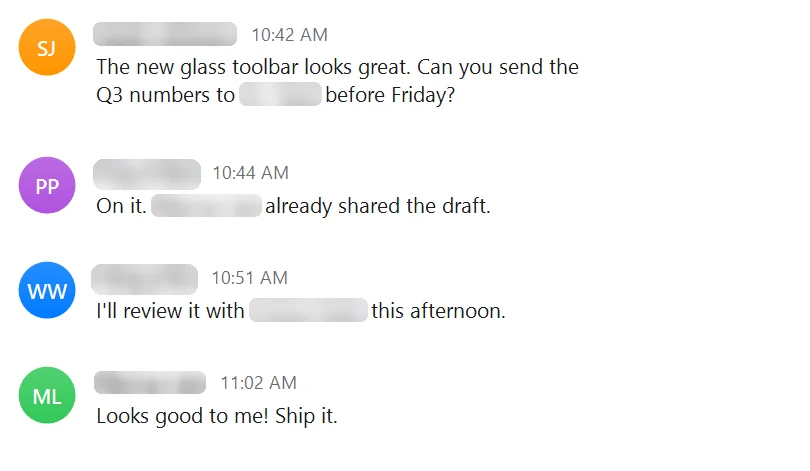
Blur by FacePrivacy.ai
LiteShot's face blur comes from FacePrivacy.ai. Press F and every face in the selection is found and blurred, or press U and paint over anything with their blur brush. Try the brush right here.
Features
The same muscle memory: press PrtScn, drag, copy. Everything else is new.
Pen, line, arrow, box, circle, highlighter, numbered steps and text with ten built-in fonts — or your own. Click any drawing to move it, recolor it or resize it.
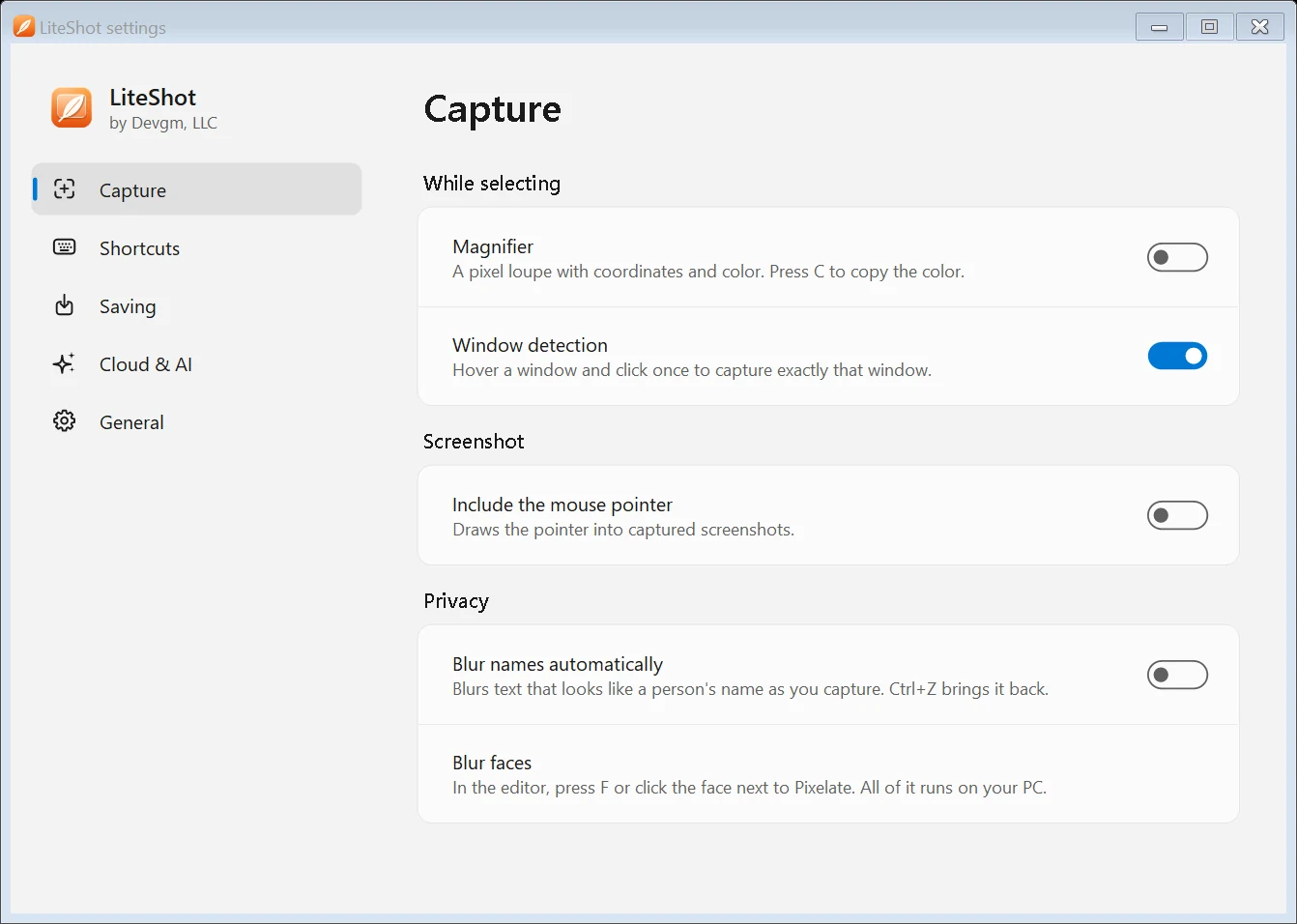
Hover a window and click once to capture exactly that window. Ctrl+PrtScn reopens the area you used last.
Names are blurred the moment you capture. Blur faces, with technology from FacePrivacy.ai, hides every face with one key — or paint over anything with their blur brush. It all runs on your PC.
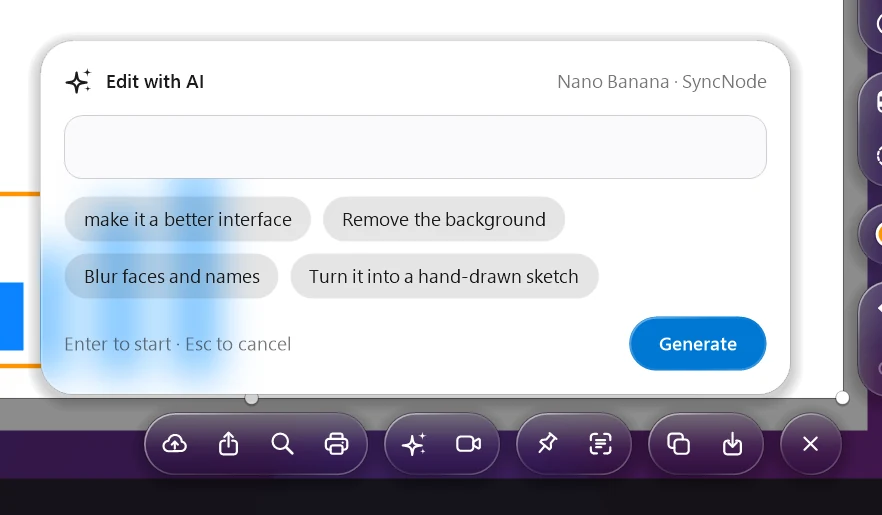
Describe a change — "remove the background" — or turn the screenshot into a short video. Powered by FLUX, Nano Banana, Seedance and Kling through your SyncNode key.
Uploads are encrypted on your PC before they leave it and hosted on fortefile.com. The key lives only in your link, so nobody else — us included — can open the file, and it's gone after 24 hours. Delete it sooner from the tray menu.
Turn on automatic updates and LiteShot installs new versions while it's idle — only ones signed by Devgm.
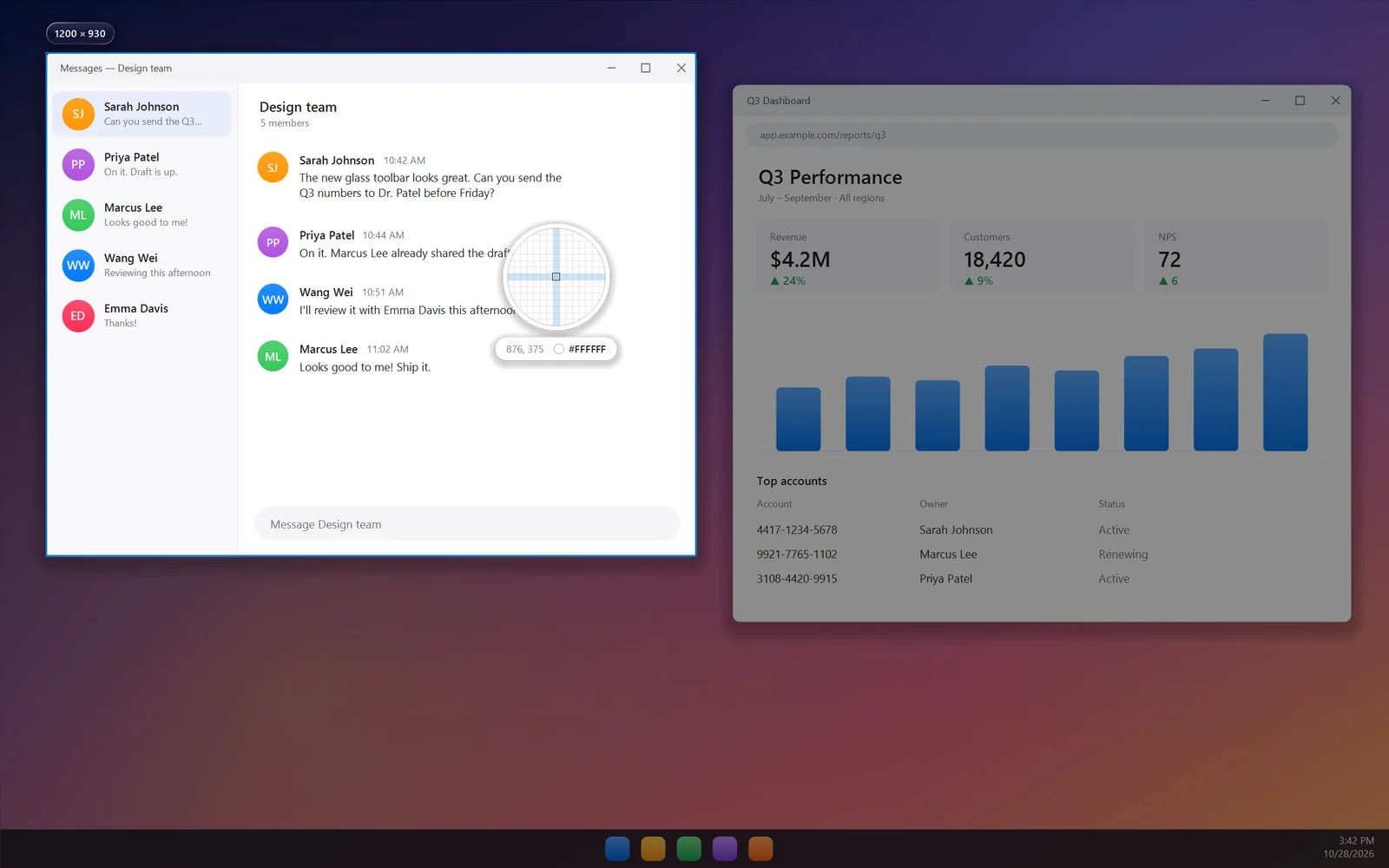
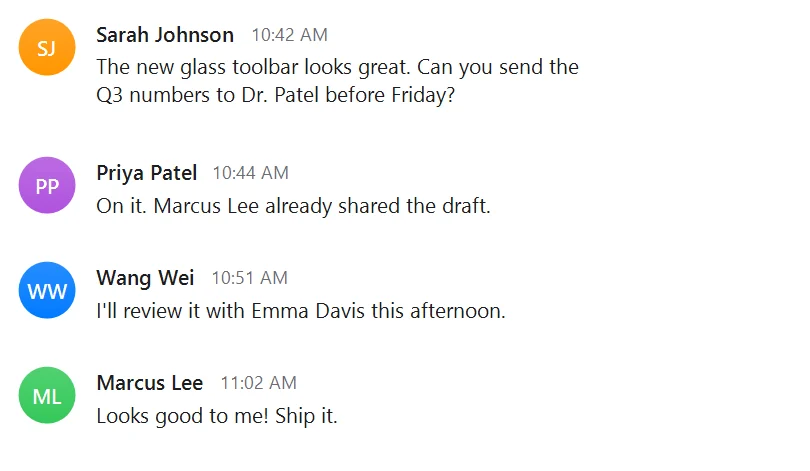
Pull text out of any screenshot with the recognition built into Windows. Works offline. This is what it read from the chat above:
CopiedSarah Johnson
10:42 AM
The new glass toolbar looks great. Can you send the
Q3 numbers to Dr. Patel before Friday?
Priya Patel
10:44 AM
On it. Marcus Lee already shared the draft.
Float a screenshot above every window while you work. Scroll to zoom, Ctrl+scroll to fade, drag it anywhere.
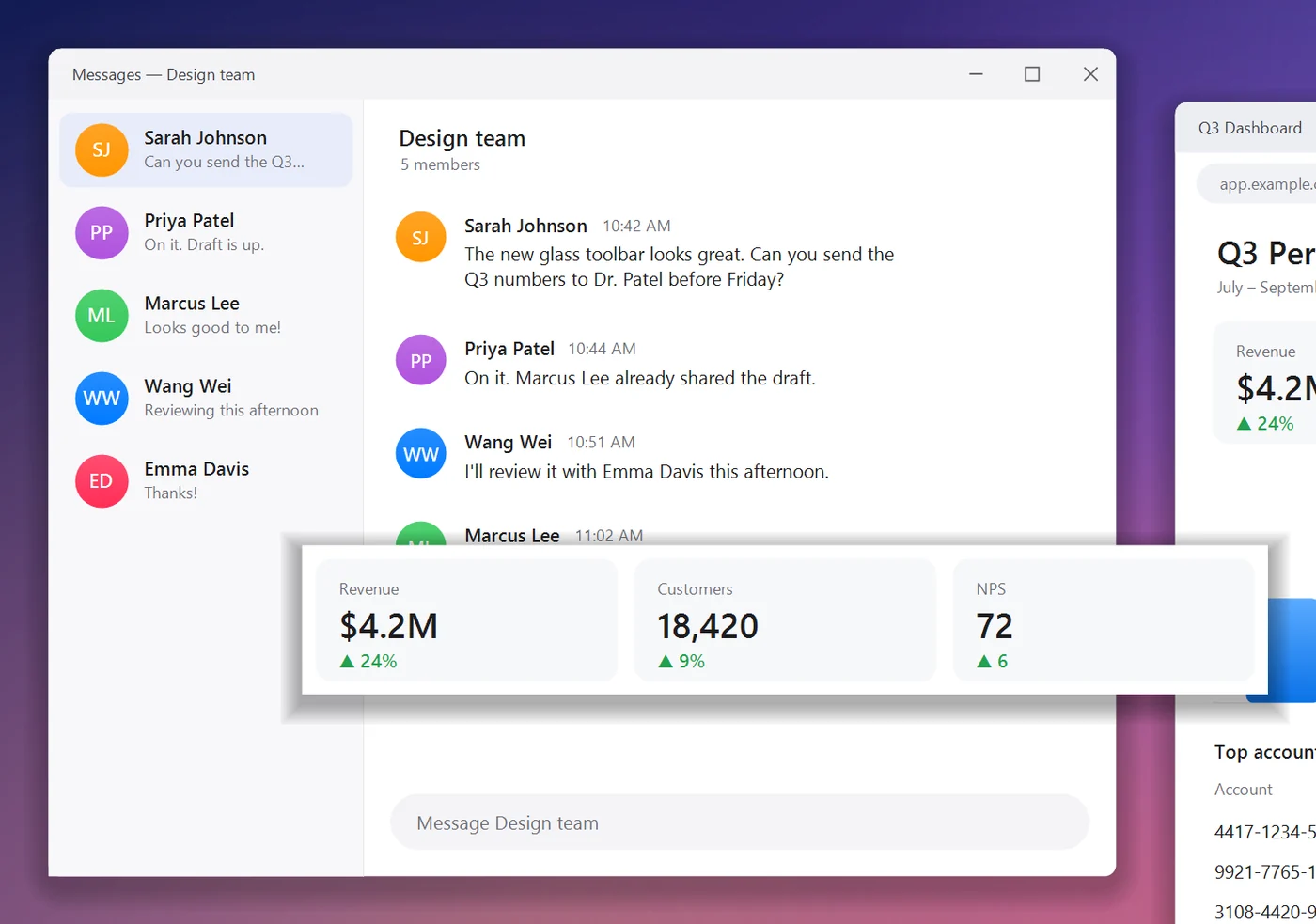
Mixed DPI, multiple screens, a pixel loupe with the hex color under your cursor.
No ads, no account, no trial. LiteShot is MIT-licensed: read the code, build it yourself, make it better.
Every tool and action has a key, and the global shortcuts are yours to change. See them all.
Design
Toolbars float over your screenshot like lenses and adapt to what's behind them. Your capture is never tinted or blurred.
Shortcuts
Every tool and action has a key. The global ones can be changed in Settings.
Download
Free for Windows 10 and 11. The installer adds LiteShot to Start and runs it with Windows; the portable exe runs from anywhere.
Windows may warn that the publisher is unknown until our code-signing certificate arrives — choose More info › Run anyway.
Yes, and open source under the MIT license. No account, no trial, no ads. AI features use your own SyncNode key, so you pay SyncNode and Replicate for what you use.
Only when you press Upload or Share. Name and face blurring, text recognition and everything else run on your PC, and uploads are encrypted before they leave it. The one exception is Search similar images: Google has to see the picture, so that upload isn't encrypted and is deleted after an hour.
Anyone you send the link to, until it expires. The decryption key is the part after the # in the link; browsers never send it to the server, so fortefile.com only ever stores scrambled data.
No. Both the installer and the portable exe include everything LiteShot needs.
Check for updates in Settings › General, or turn on automatic updates. Every release is signed by Devgm, LLC, and LiteShot refuses anything that isn't.
No. LiteShot is an independent app by Devgm, LLC, inspired by the classic two-click workflow. It isn't affiliated with Lightshot or Skillbrains.